

3.5" RazorEDC Lite
REPLACEABLE BLADE CARRY KNIFE
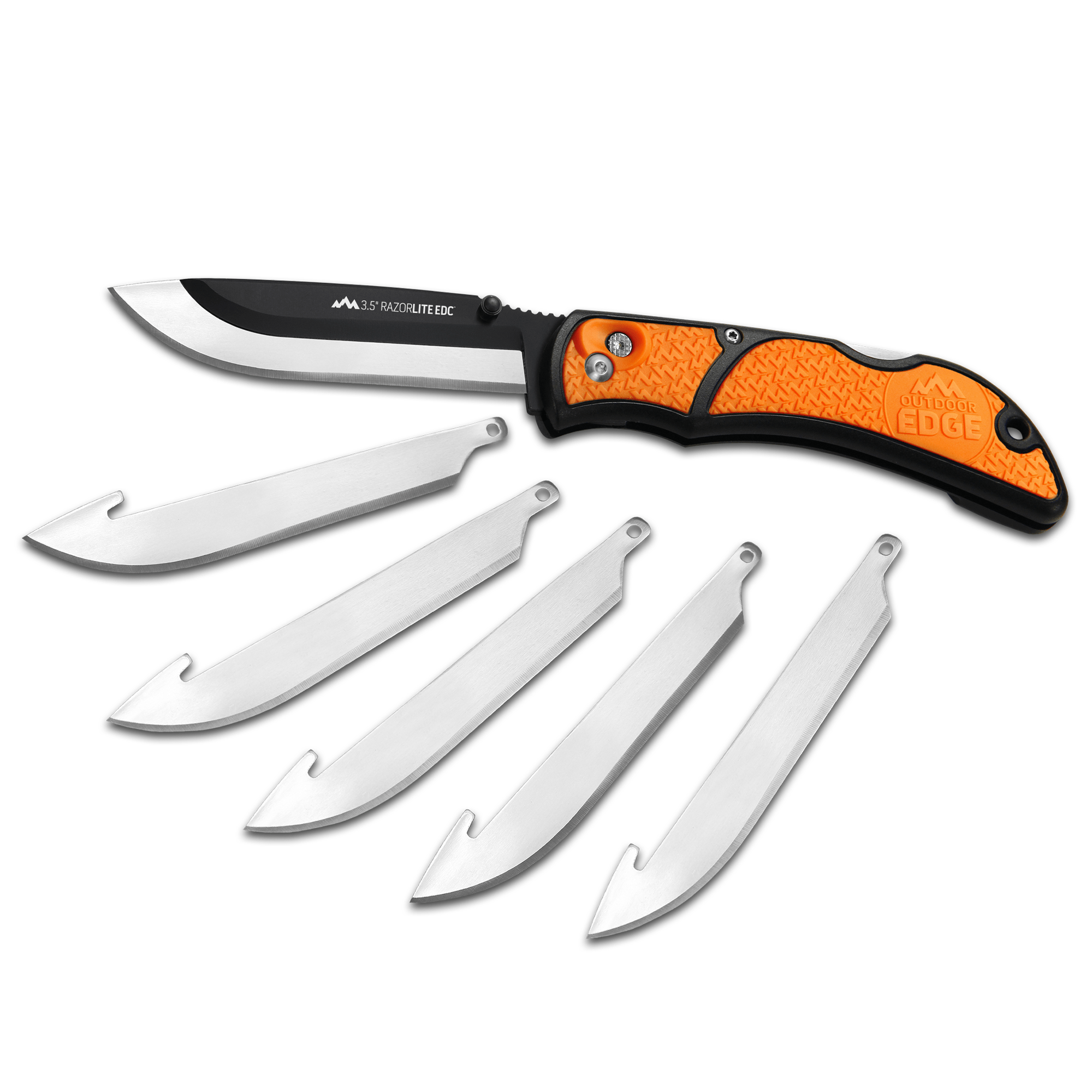
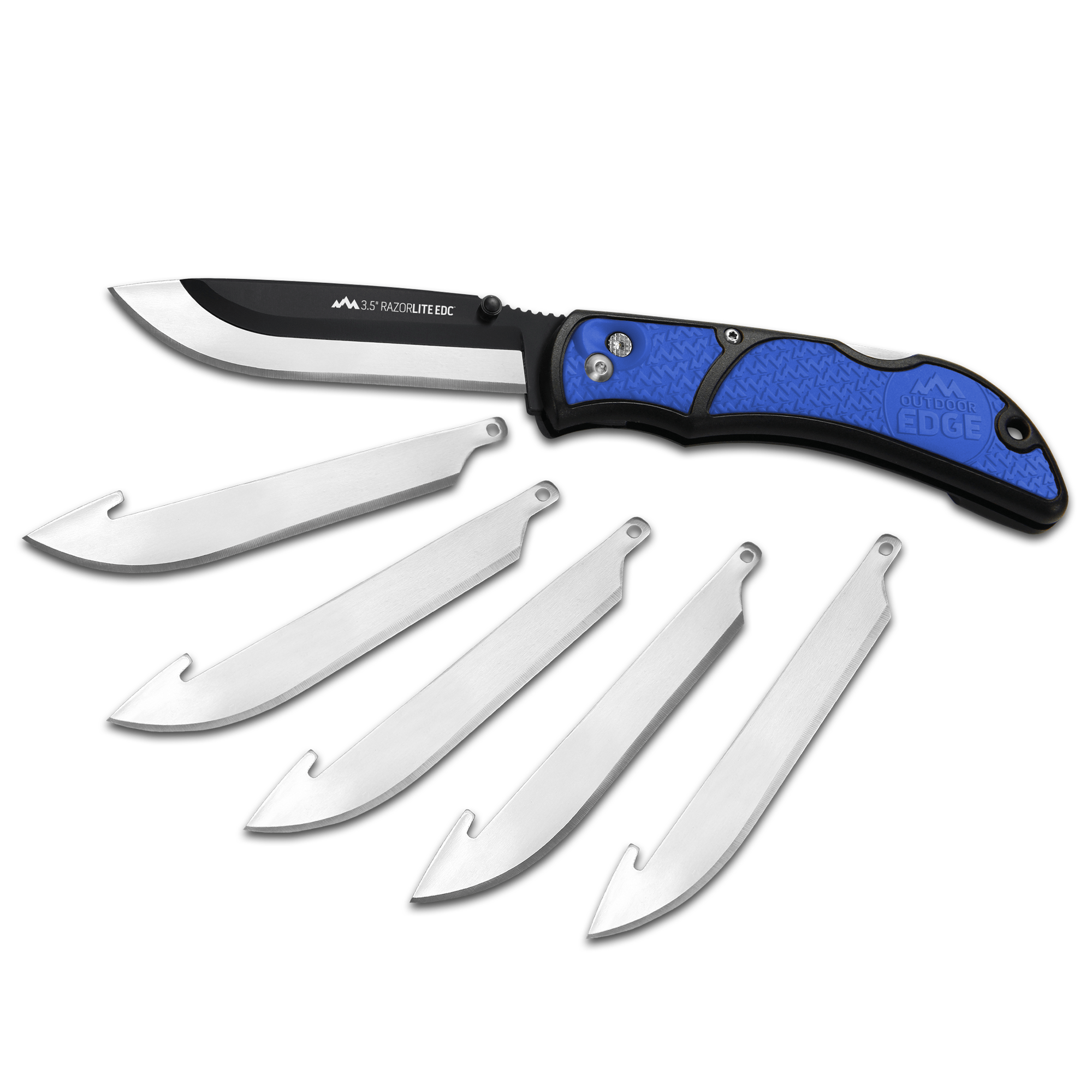
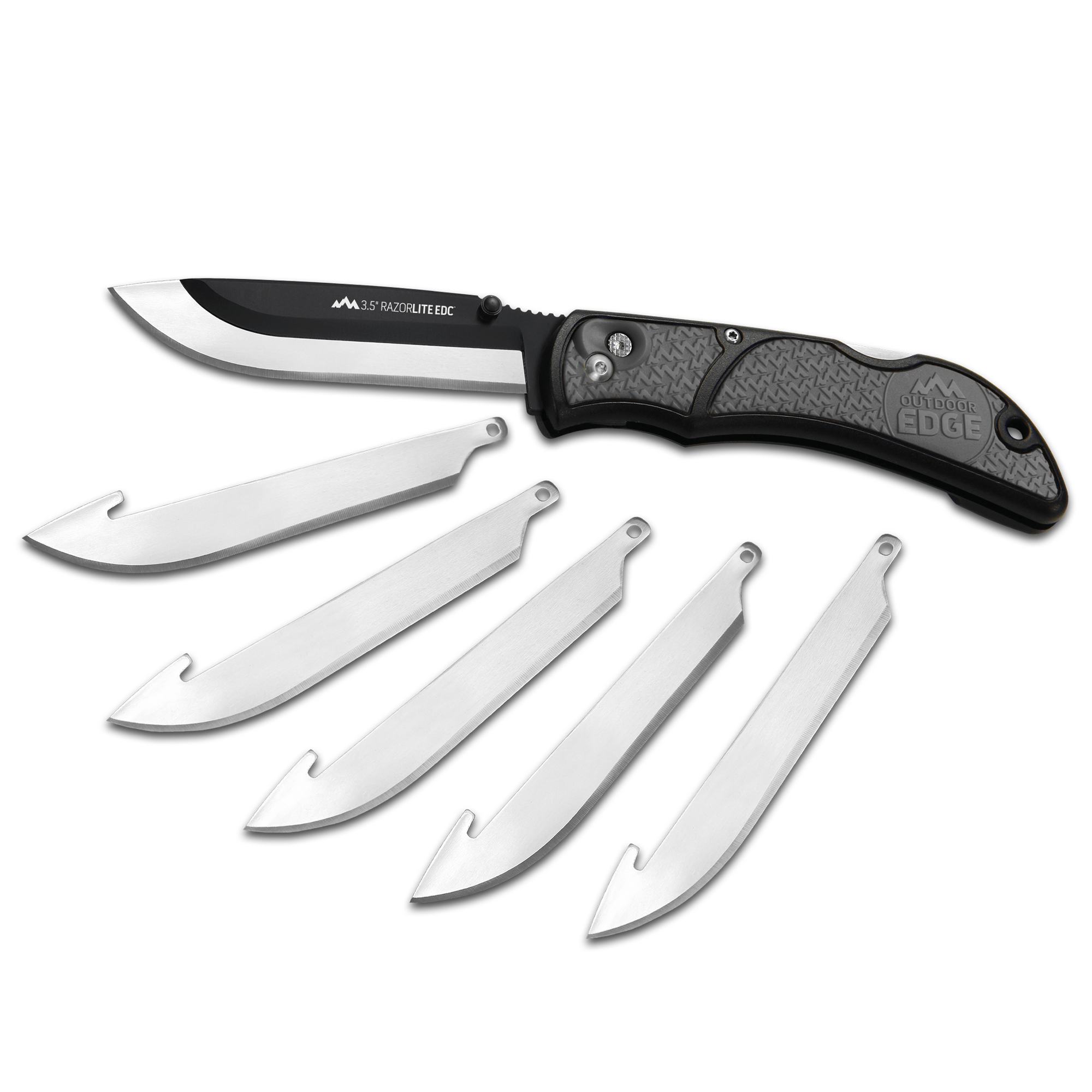
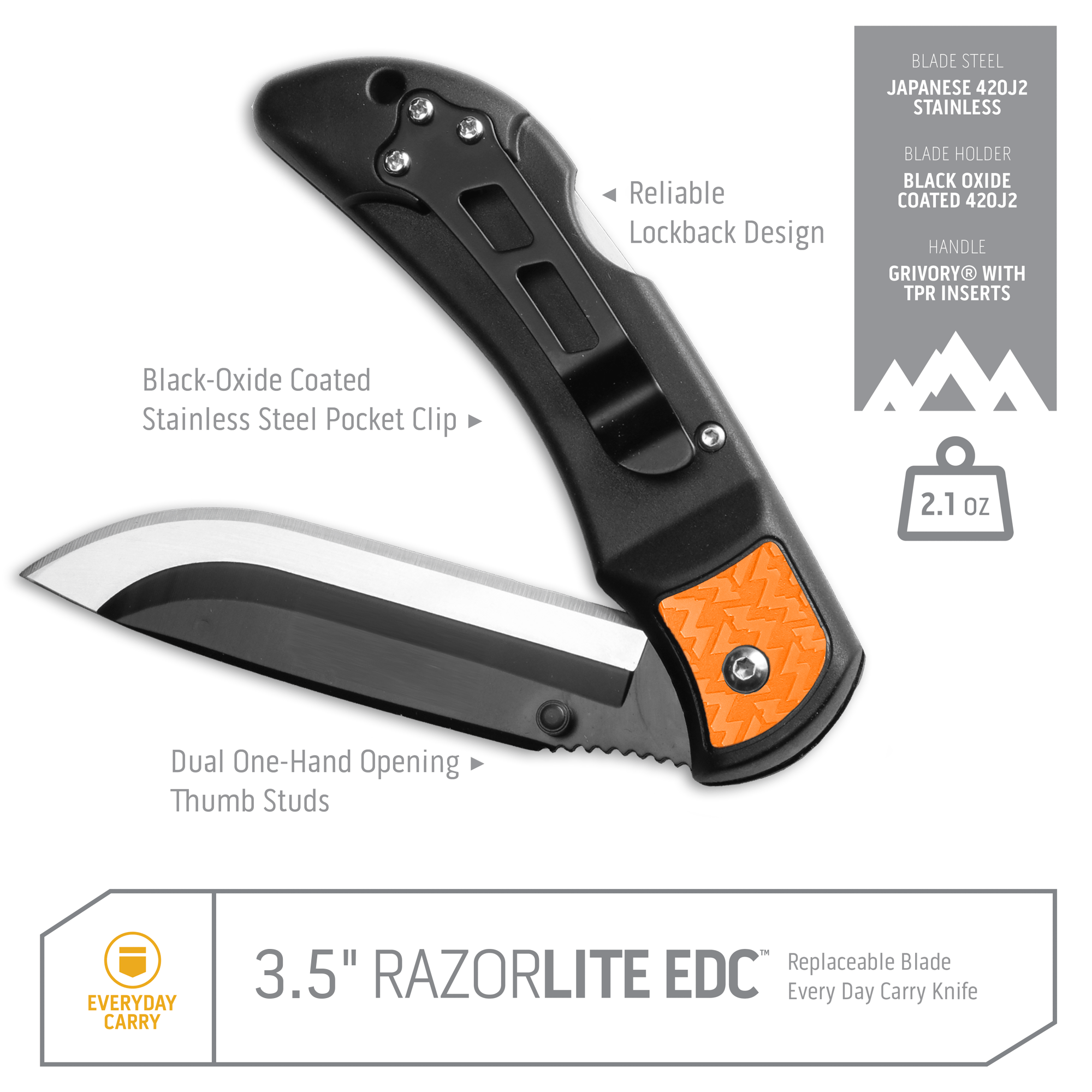
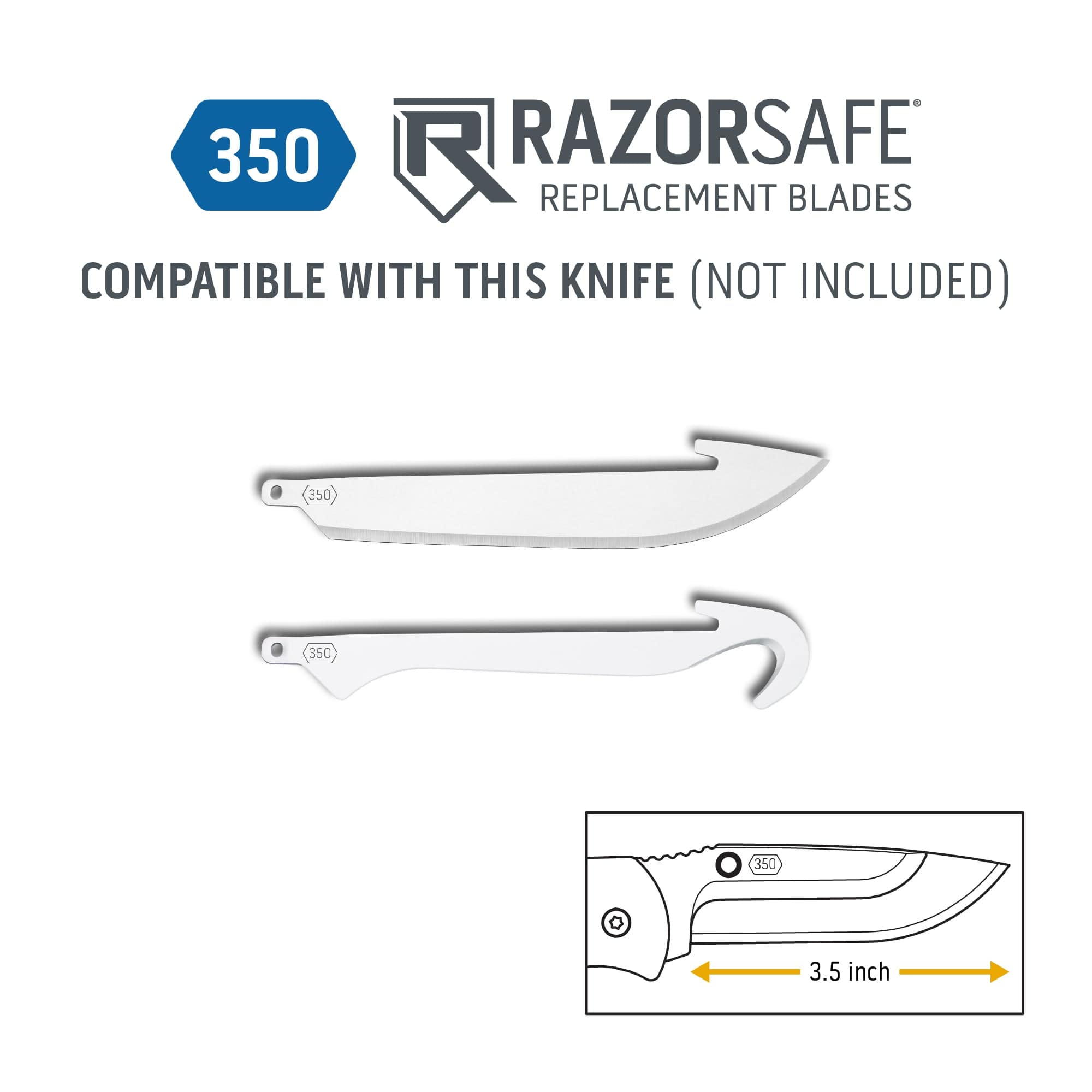
The Outdoor Edge 3.5" RazorEDC Lite is a push-button replaceable-blade folding knife for everyday carry. Its 3.5" Japanese 420J2 stainless blade swaps tool-free via the RazorSafe® system, set in a glass-filled nylon handle with non-slip TPR insets and a lock-back. It weighs 2.0 oz, has a stainless pocket clip, and ships with six 350-series blades.
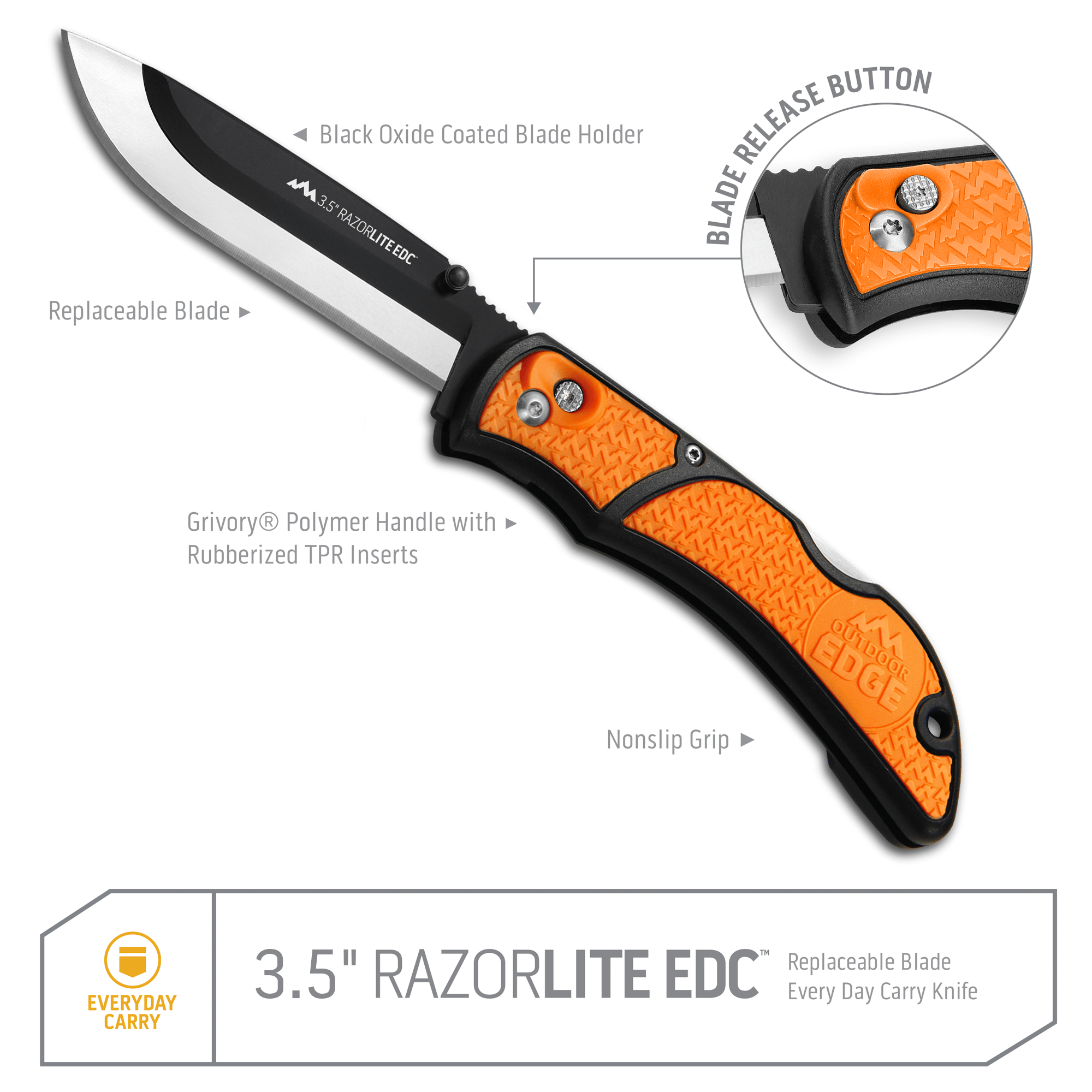
⚙️ Push-Button Blade Changes – Change blades tool-free with RazorSafe® system; swap in a new 3.5″ 350-series blade the moment the old one dulls.
🔪 Six Blades Included – Comes with 6 total blades so you always have spares; less downtime, more cutting power.
✋ Lightweight Non-Slip Grip – Handles constructed with GFN and rubberized TPR insets for secure grip, even when wet or greasy.
🎯 Lock-Back Safety & Stainless Clip – Secure lock-back design prevents blade closure under load; stainless steel pocket clip for reliable carry.
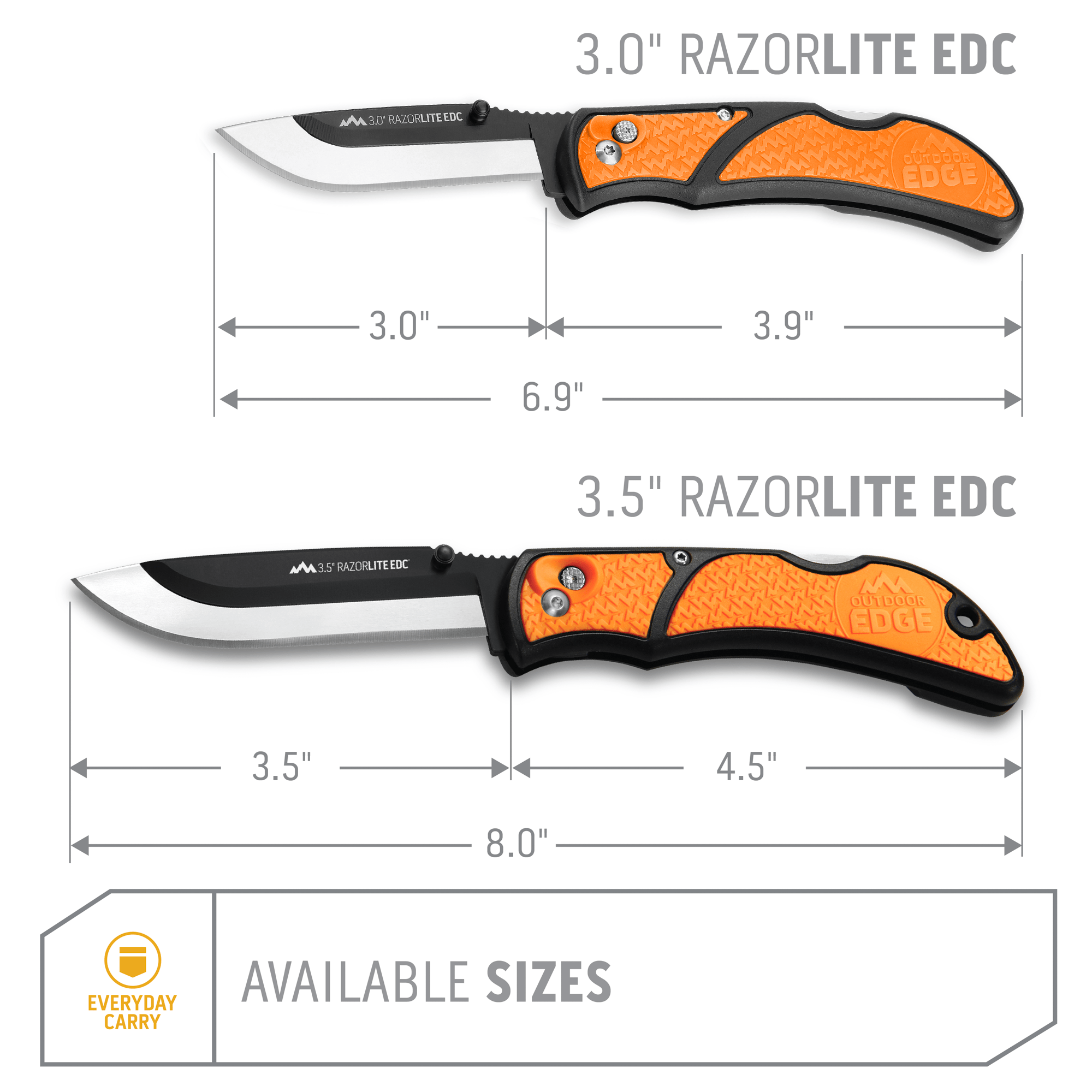
🪶 Feather-Light Carry at Just 2 oz – Weighs about 2.0 oz with a full 7.5″ overall length—balance between usability and portability.
🛠️ Service for Life Guarantee - Backed by our Service for Life Guarantee ensuring long-term performance you can rely on, meal after meal.
SPECS
DESCRIPTION
WARRANTY
Outdoor Edge stands behind every product with a Service for Life guarantee.
If your knife, tool, or accessory fails due to defects in materials or workmanship, we’ll repair or replace it — no questions asked. Our goal is to ensure your gear performs in the field when you need it most.
Call 1-888-249-6942 or email us.
Note: Warranty does not cover normal wear, misuse, or sharpening.
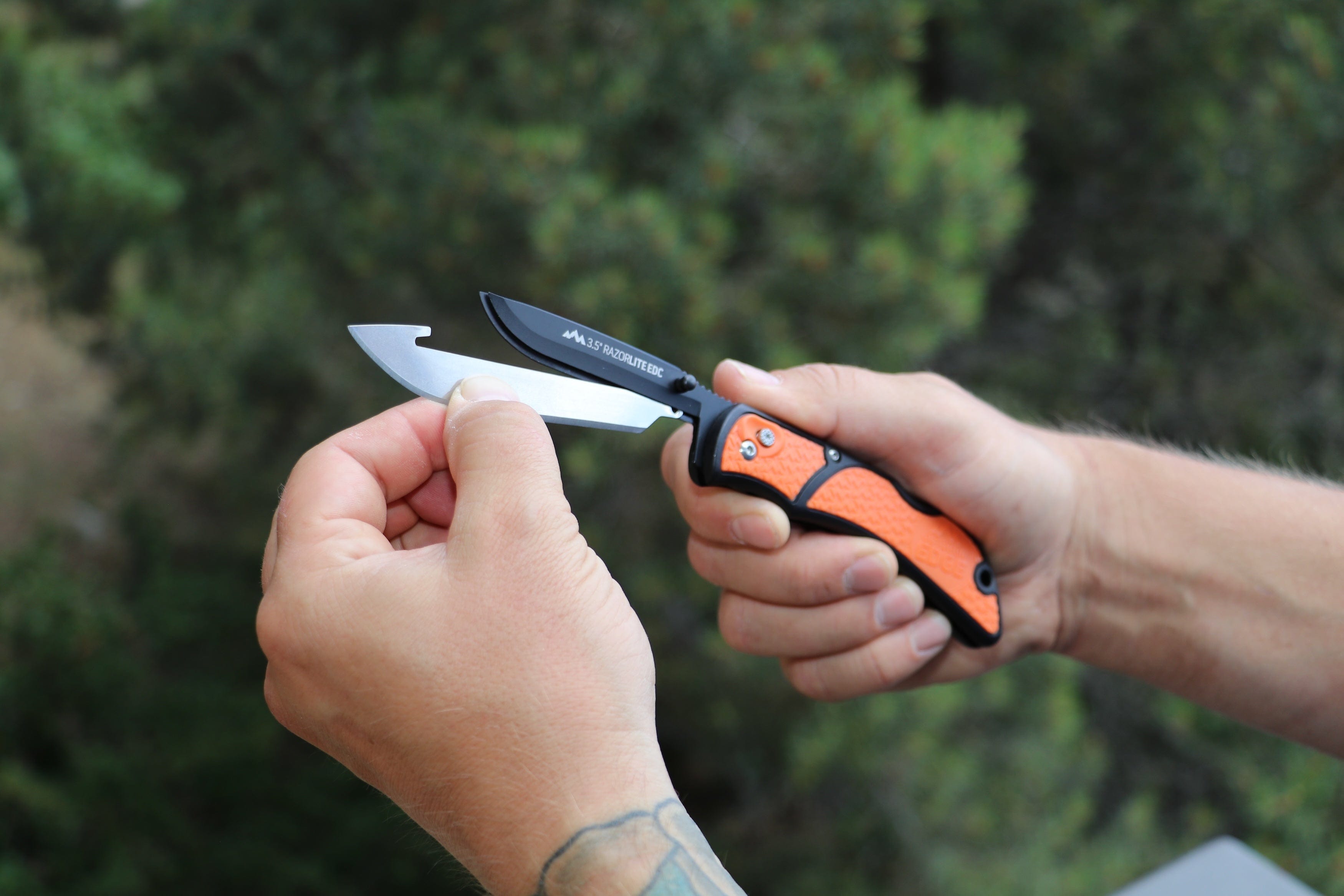
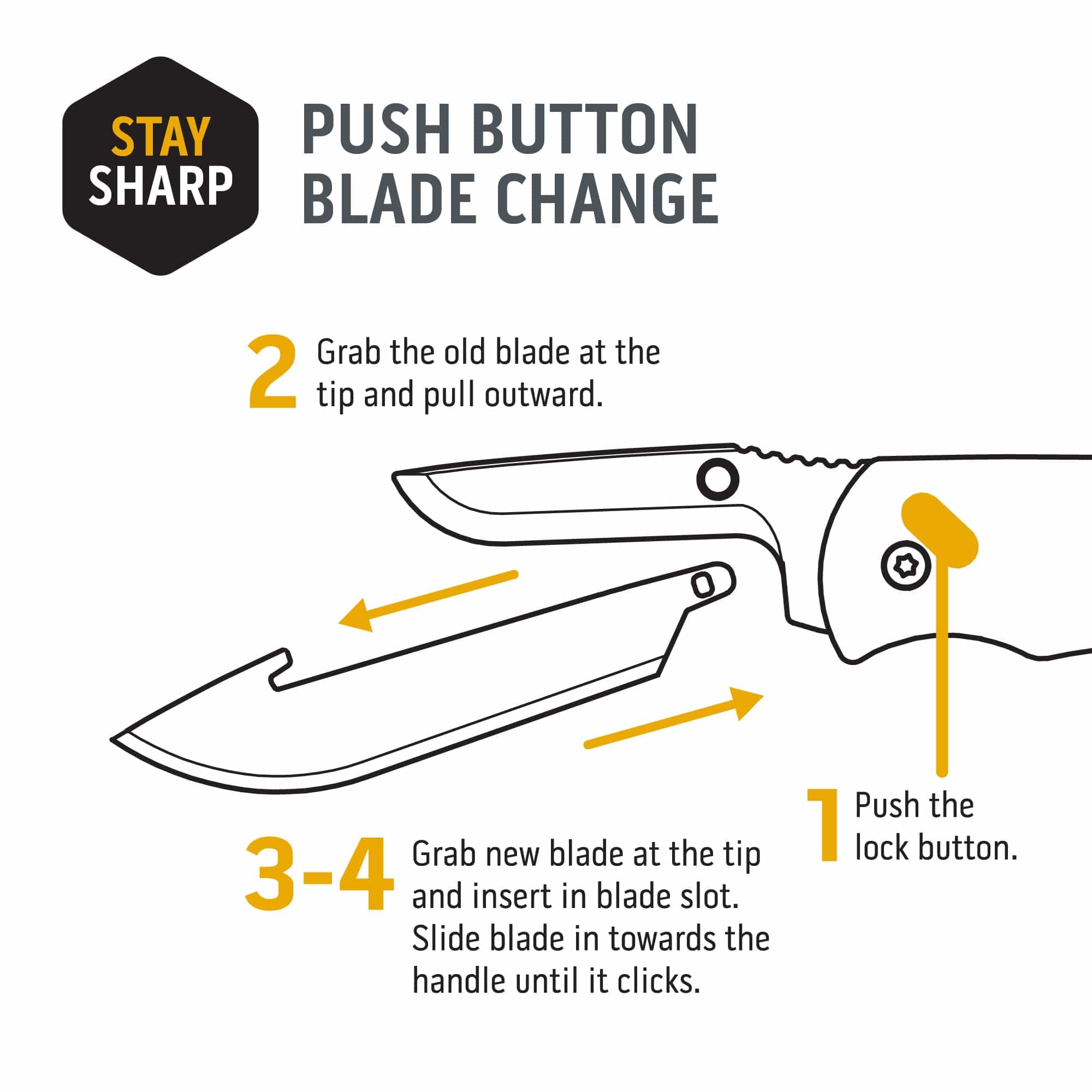
PUSH BUTTON BLADE CHANGE
NEVER SHARPEN YOUR KNIFE AGAIN
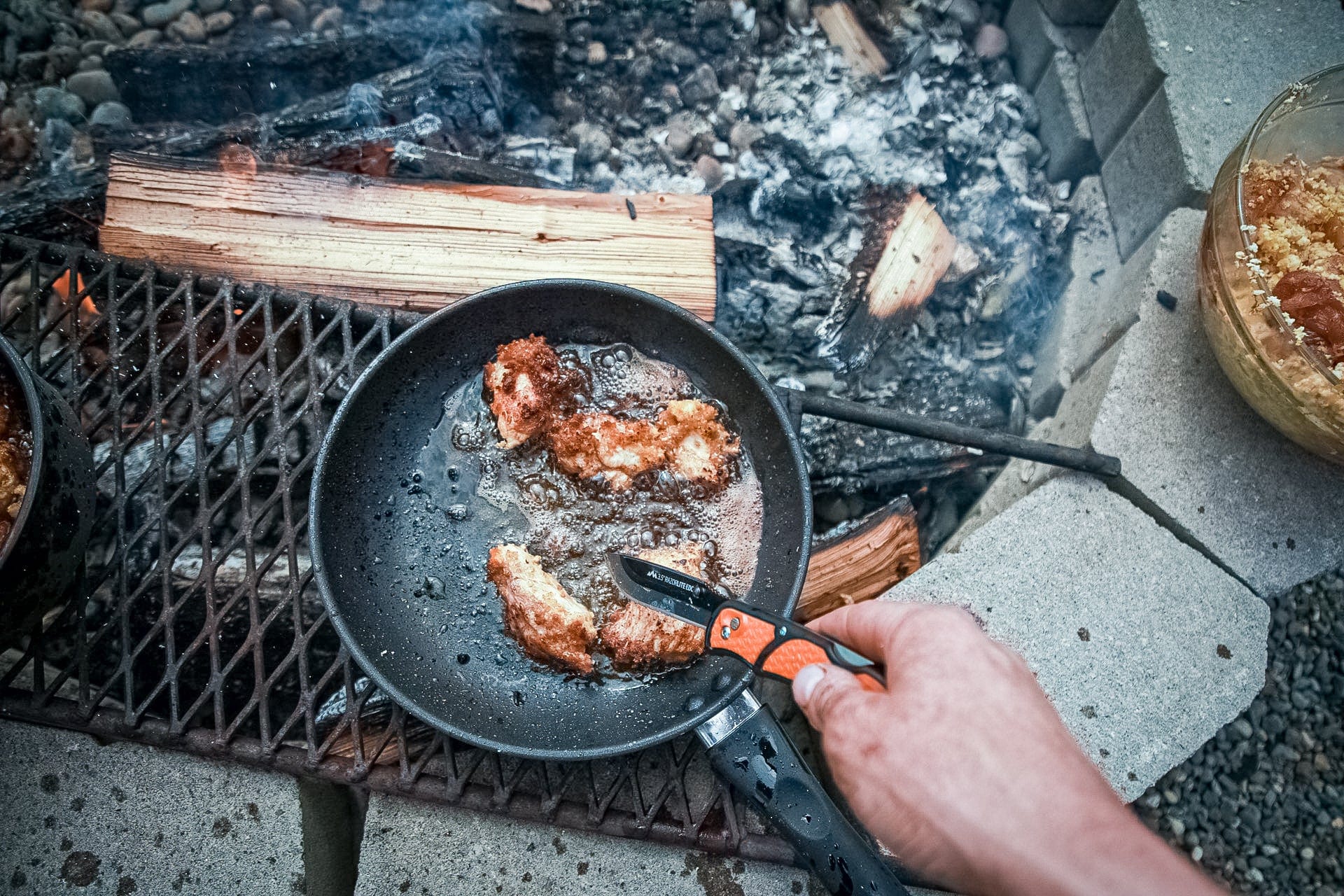
VERSATILITY BEYOND BELIEF
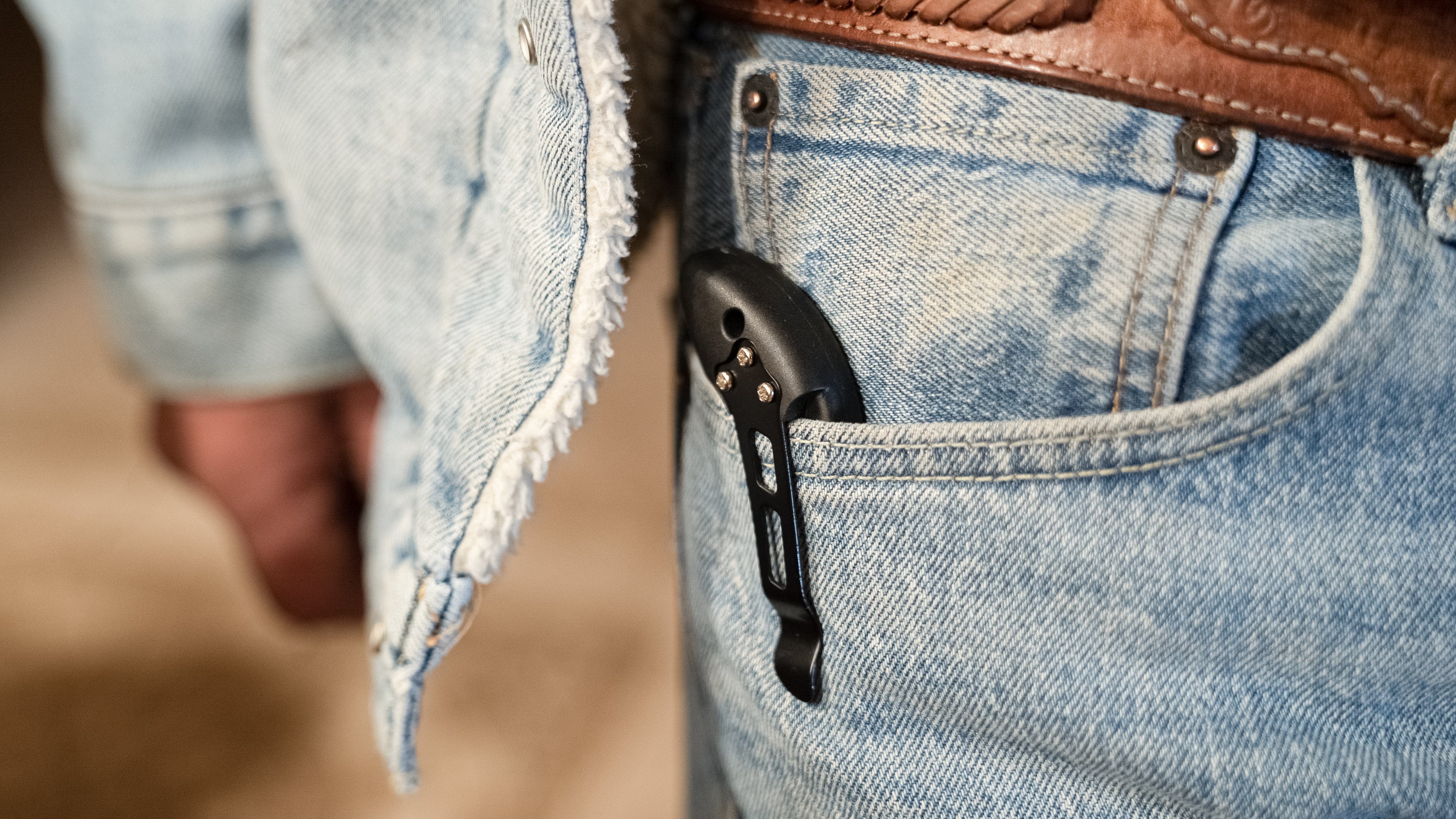
PERFECT CARRY COMPANION
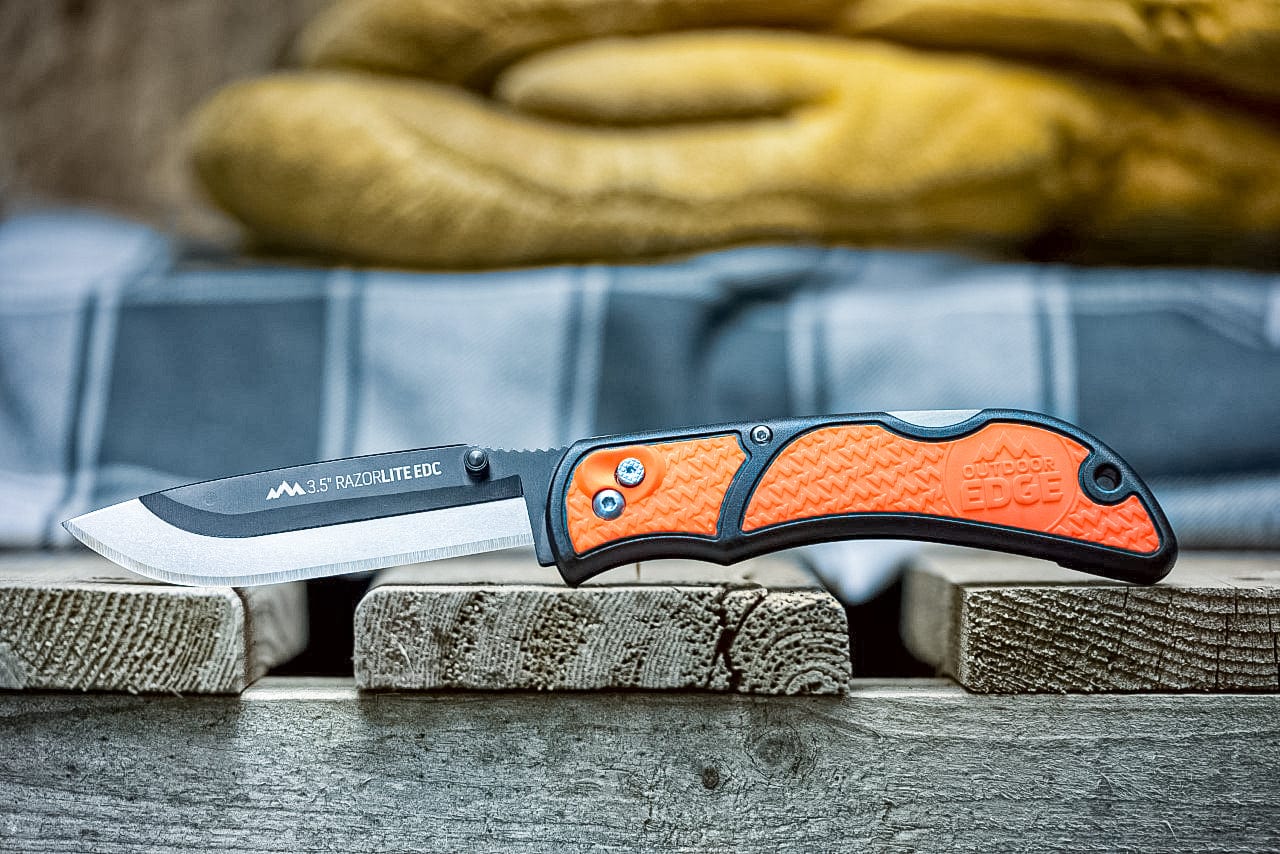
How to Change the Blade on Your RazorEDC Lite
The RazorEDC Lite uses Outdoor Edge's RazorSafe® push-button blade change system — no tools, and under 10 seconds.
- Open the knife fully and lock the blade in the open position so the blade holder is exposed before starting.
- Locate the blade release button on the handle, near the pivot.
- Press and hold the release button while sliding the blade forward and out of the holder.
- Wrap the used blade in tape or use the original packaging before discarding.
- Slide a new 350-series blade in from the front, aligning the tabs with the channel. Press until it clicks into the locked position.
- Deploy the blade fully and apply light lateral pressure to confirm the blade is seated securely before use.
Safety: always point the knife away from your body during blade changes.